Roblox Studio
Learn Roblox Studio setup, building, playtesting, collaboration and private publishing through focused beginner guides.
-
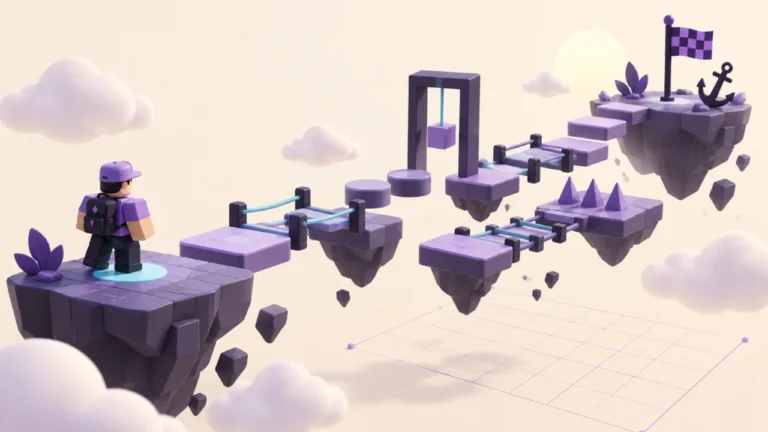
Set Up a Reliable SpawnLocation in Roblox Studio
Check where players first appear, distinguish a spawn from a decorative start platform, and diagnose confusing spawn behavior in a small Studio project.
-
Roblox Studio Test Modes: Choose the Right Check for Your Game
Choose between character tests, Run, multiplayer simulation, and device checks, then record useful results before releasing a Roblox game.
-
Save a Roblox Experience Privately Before Planning Its Release
Separate saving, publishing, and audience settings so you can keep a Roblox project private, identify its destination, and plan a controlled release.
-
Roblox Team Create: Collaborate Without Sharing Your Account
Plan roles, check current collaboration eligibility, and organize a small Roblox Studio team with clear permissions and a reliable editing handoff.
-
Review Free Roblox Studio Models Before Using Them
Inspect Toolbox models and scripts in a separate practice project, document their purpose, and decide whether an outside asset belongs in your game.
-
How to Install Roblox Studio and Check Your First Project
Install Roblox Studio from its official source, check computer suitability, and confirm your editor opens a small project before you start building.
-
Roblox Studio Interface: Find Your Way Around the Editor
Learn how the viewport, Explorer, Properties, and toolbar work together using one small editing exercise in Roblox Studio.
-
Build Your First Roblox Obby: A Small, Testable Course
Plan and build a short Roblox obstacle course with clear platforms, a reliable start, and a practical playtesting checklist for beginners.
-
How to Anchor Parts in Roblox Studio Without Breaking Your Build
Keep platforms in place, distinguish anchoring from locking and collision, and diagnose objects that fall when you test a Roblox Studio project.
-
Roblox Studio CanCollide: Fix Floors, Walls, and Invisible Barriers
Understand CanCollide, transparency, and anchoring, then use a controlled test to fix platforms you fall through or scenery that blocks players.