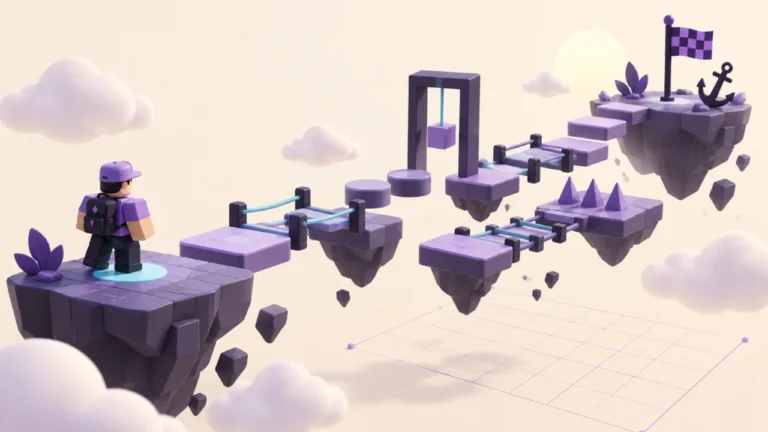
Review a free model before adding it to important work. This checklist helps you decide whether to keep investigating, use an understandable subset, or choose another asset. It is not a malware scanner and cannot certify a model as safe.
Write the job before inserting the model
Start with one sentence: “I need a static tree beside the start platform,” or “I need a door that opens when a player presses a button.” That requirement gives you a reason to question extra behaviour. A thumbnail, price or popularity count does not describe everything inside a model.
Record the asset’s listing link, creator, review date and intended use. Open a separate practice project with no important work, then add only that asset. Keep the original project closed while investigating so you cannot confuse the two copies.
Inspect the hierarchy before play
Expand the model in Explorer. Identify its visual parts and any Script, LocalScript or ModuleScript objects, including nested ones. Roblox’s Toolbox guide documents the Explorer context-menu action Disable Scripts. Use it before starting a simulation when you are reviewing the asset’s appearance.
Disabling scripts is a containment step, not a code review. It does not explain what the asset would do if re-enabled. For hierarchy navigation, use the official Explorer documentation. Do not run an unfamiliar Command Bar instruction from an asset description to “unlock” a model.
Use a purpose-to-component review
| Component found | Question to answer | If unanswered |
|---|---|---|
| Static parts or meshes | Do these match the decoration or structure I need? | Keep the asset in the practice copy. |
| Scripts | What does each script change, and why is it needed? | Keep disabled; ask for qualified review or choose a simpler asset. |
| Nested models or packages | Which pieces came from the asset, and can they change separately? | Record the uncertain dependency before reuse. |
| Invisible or obstructing parts | Is each boundary or collision surface intentional? | Inspect a copy with the relevant object visible. |
| Unexpected services or behaviour | Can I connect this to the job I wrote down? | Stop adding the asset to the main project. |
Work through a static-tree example
Suppose your requirement is scenery beside a path, but the imported tree contains a script. That mismatch is a review question, not proof of malicious code: the script might animate leaves. If animation is unnecessary, a simpler script-free tree may meet your needs with less review work.
With scripts disabled, inspect whether the trunk blocks the path or loose branches fall. Change appearance and physics only in the practice copy. Our collision experiment and anchoring comparison help describe those observations. A tree looking correct in one attempt says nothing about unreviewed executable behaviour.
Save a decision note
Copy this record: “Asset link: __. Creator: __. Review date: __. Intended job: __. Components inspected: __. Scripts understood by: __ or not reviewed. Remaining questions: __. Decision: keep investigating / use reviewed subset / choose replacement.” Never fill an unperformed review with a guessed result.
Check the asset’s applicable usage permissions before reuse or redistribution. Save a recoverable version of your main project, introduce only the reviewed content, then test the nearby route. Revisit the decision when the model is updated; an earlier note only covers the version you actually inspected.
Updated September 22, 2026: Added a component review table, worked static-tree example and decision worksheet. Official references were checked for this revision. The exercises are original practice designs, not reports of gameplay testing. Qrajo is independent of Roblox. Editorial policy · Report a correction.