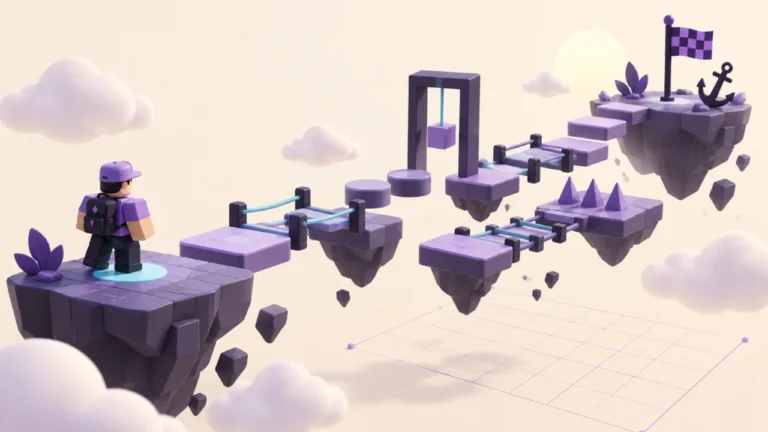
Choose a Studio test mode from the question you need to answer. A physics check, a spawn check and a two-player interaction need different observations. Use this small test plan to avoid marking a whole game “working” after one successful attempt.
Choose the mode for the question
| Question | Mode | Evidence to collect |
|---|---|---|
| Does the course make sense from its normal start? | Test | Initial spawn and the first unclear transition. |
| Does one distant obstacle work locally? | Test Here | The obstacle result; repeat normal entry separately. |
| Does a loose object fall as intended? | Run | Which object moves when simulation begins. |
| Do two players see the intended shared change? | Server & Clients | Compare client A, client B and the server view. |
| Does interface text fit a small screen? | Device Simulator | Clipped text, overlap and reachable controls. |
The mode names and behaviours are documented in Roblox’s testing guide. The checks below are Qrajo’s original test plan. Device simulation does not measure real-phone performance or replace testing on actual hardware.
Make a five-check plan
Use a saved version of the five-platform course. Before each attempt, write the expected result in one sentence. Leave the actual-result field blank until you perform the check.
| ID | Action | Acceptance question |
|---|---|---|
| T01 | Enter with normal Test. | Do I start on PracticeSpawn with space to move? |
| T02 | Walk Start to Finish. | Can I identify every next landing without a verbal hint? |
| T03 | Miss a jump deliberately in the practice copy. | Is the outcome understandable, and can I restart the attempt? |
| T04 | Inspect the interface in a smaller device simulation. | Are instructions still visible without covering essential controls? |
| T05 | Repeat T01 and T02 after changing a platform. | Did the change fix the issue without breaking the earlier route? |
Add a shared-interaction check only when your project actually has one. For example, specify whether a door opened by player A should also look open to player B, then compare both client views. A solo course with no shared interaction does not need an invented multiplayer success claim.
Record a failure that someone can repeat
Use this format: “Version __; test ID __; mode __; starting point __; steps __; expected __; observed __; screenshot or object name __.” The observed field should describe what happened before explaining why you think it happened.
Illustrative entry: “T02; Landing02 to Landing03; expected the next platform to be obvious; paused and turned the camera twice before finding it.” This is a sample note, not a measured result from a Qrajo gameplay session. It suggests investigating visibility before making the jump shorter.
Change and retest deliberately
- Stop the test and return to the edit version.
- Change one relevant variable and give the saved version a new note.
- Repeat the failed test with the same starting conditions.
- Repeat the earlier checks that might be affected.
- Mark an item “not tested” when you did not perform it.
Keep a distinction between a fix that passes locally and a complete route that passes from normal entry. Before inviting anyone else, review the experience’s saving and audience settings. A test result describes a particular version and setup; it is not permission to publish or a promise about every device.
Updated September 22, 2026: Added a mode-selection table, five-check practice plan and example test record. Official references were checked for this revision. The exercises are original practice designs, not reports of gameplay testing. Qrajo is independent of Roblox. Editorial policy · Report a correction.